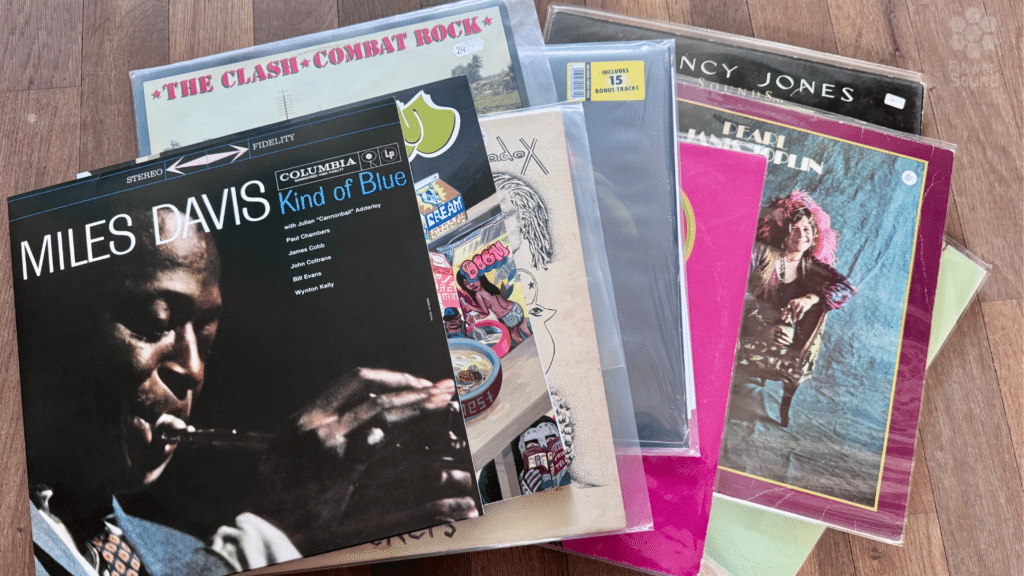
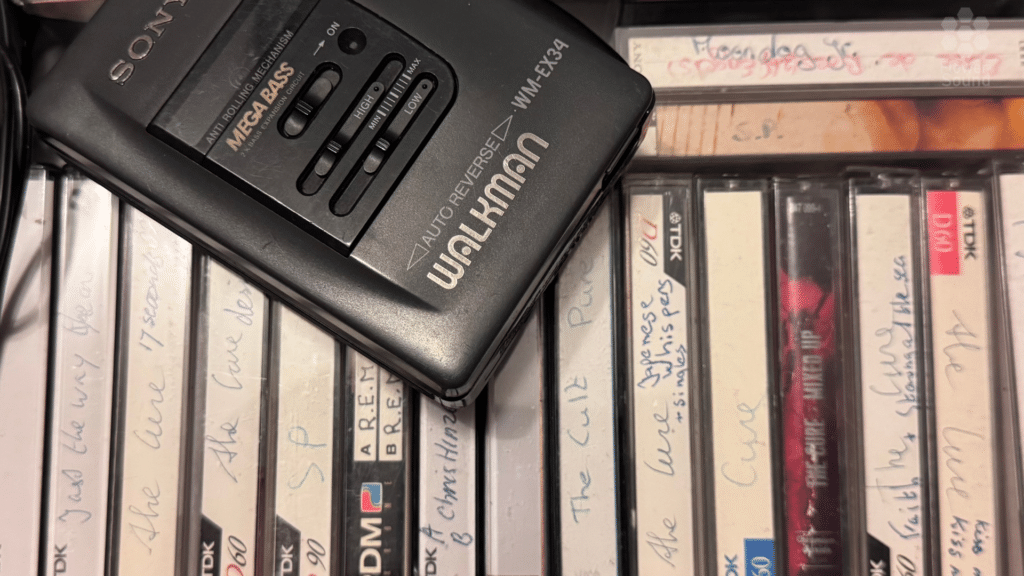
This article is a simple guide for music lovers who want to own their collection truly, switch to a higher-quality immesrive music experience, or learn how to listen to digital downloads with headphones from our shop.
How to Build Your Own Binaural Music Library on Your Phone and Computer
Listening to binaural music is one of the easiest ways to enjoy immersive, 3D sound. All you need is a pair of headphones. You don’t need a special speaker setup or advanced audio knowledge. Most streaming services don’t support immersive audio like Dolby Atmos, but here’s the important part: when you buy binaural audio files on our website, you actually own them forever. Unlike streaming services, where music can disappear or change, your purchased files are yours to keep. The challenge is to listen to your own audio.
Why Owning Your Music Library Is Better Than Streaming
Most streaming services like Spotify, Tidal, Deezer, etc.)don’t let you upload your own files or organize them. Spotify supports local uploads, but you then need to add the files to each device. While you probably want a way to build your personal music library: one that you control completely. The easiest way is to have an old-fashioned MP3 player. But most of us want to use our phones or computers and not invest in extra hardware. And this article is for you.
The streaming problem:
- Songs can disappear from catalogs without warning
- You’re paying monthly rent, not building ownership
- No way to add your purchased binaural audio
- If you stop paying, you lose access to everything
Building your own library gives you:
- True ownership of your music files
- A permanent collection that can never be taken away
- Complete control over your playlists and organization
- FLAC or MP3 support for the best quality
- Offline listening anytime, anywhere
- Better headphone quality with lossless formats
- No monthly subscriptions needed (or minimal one-time cost)
- Your investment builds something you keep forever
- You support the artists you love.
And most importantly: 👉 You can fully enjoy your purchased binaural audio exactly as intended
This guide shows you exactly how to create your own music collection on Apple and Android devices, using simple apps that give you the same convenience as your normal streaming service but with true ownership.
Building Your Library on Apple (iPhone + Mac)
Apple users actually have a very simple system available: the Apple Music app works as your personal music library manager, even without a subscription.
What you can do with Apple Music:
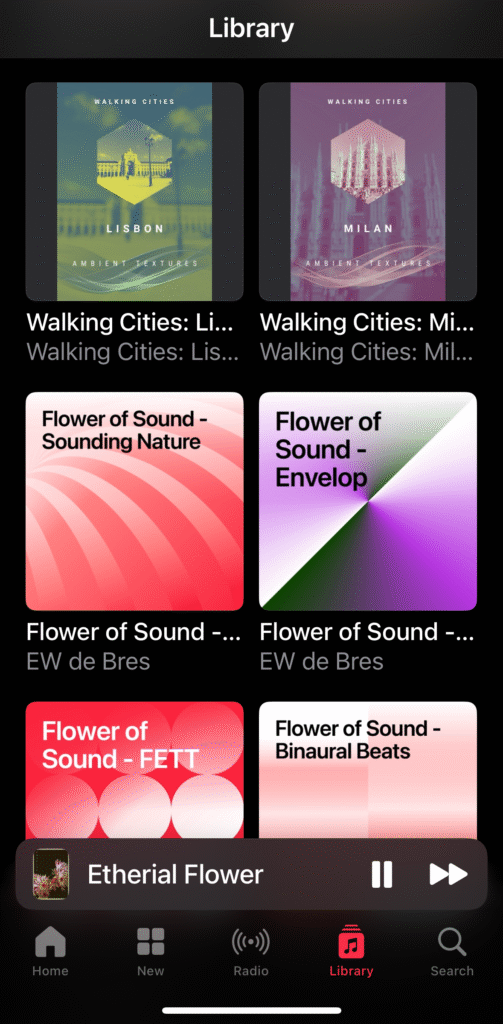
- Import your own MP3 files permanently
- Build your personal music collection
- Create custom playlists
- Organize your library exactly how you want
- Sync your entire collection between iPhone and Mac automatically using iCloud
- Access your music offline anytime
- Your files stay yours forever, they never disappear
- For sync between Iphone and Computer you need a paid subscription
Limitations:
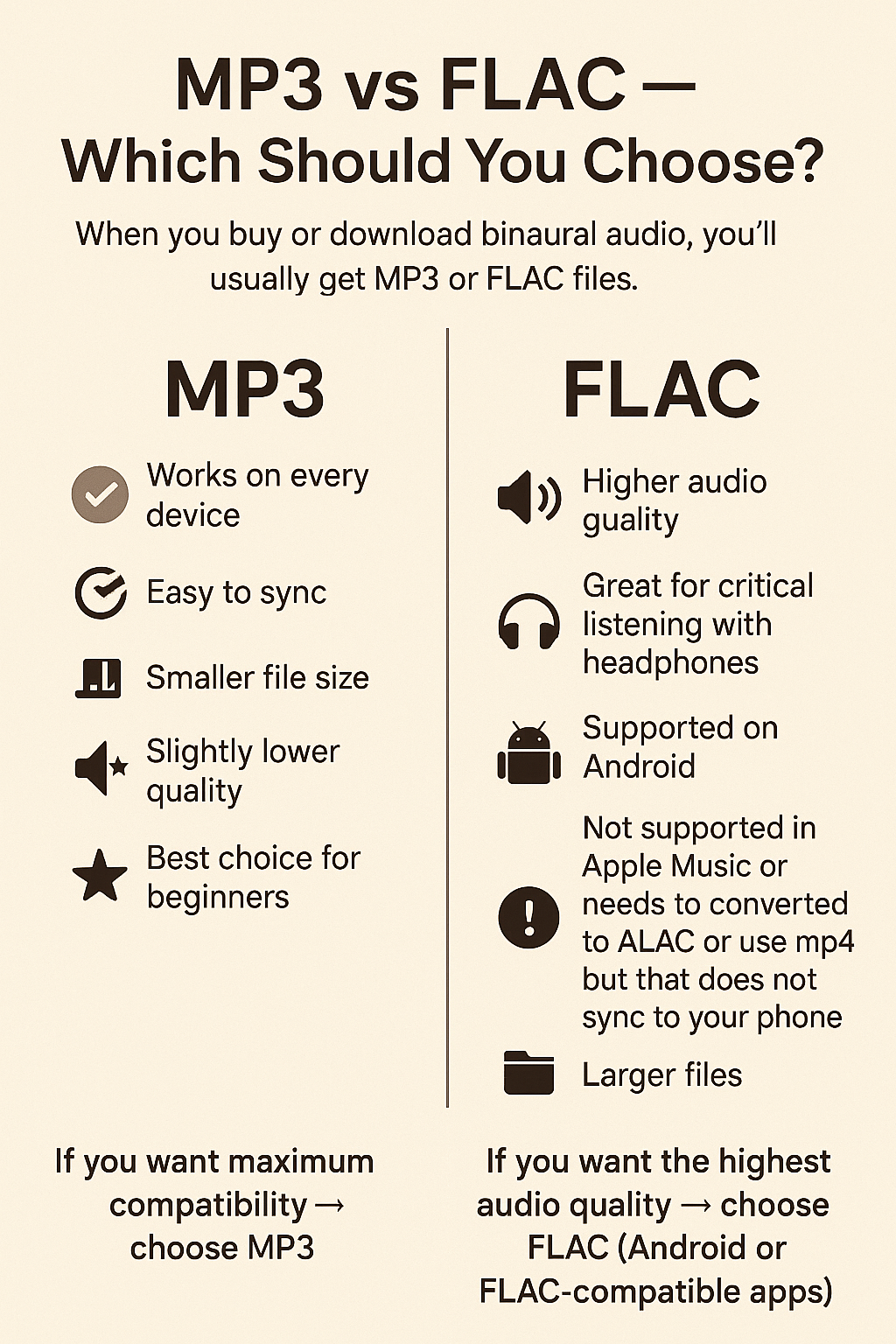
- Apple Music does not support FLAC
- You cannot import MP3 files directly on iPhone: you need a Mac or PC first
- For FLAC, use a third-party player like VLC, PlayerX (PlayerFox), or VOX
How to set it up:
For MP3 files:
- Download your purchased MP3 files to your Mac or PC
- Import them into Apple Music (or iTunes on PC)—they’re now in your permanent collection
- Turn on iCloud Music Library in settings
- Your entire music collection syncs automatically to your iPhone
- Open Apple Music on your iPhone and access your library
- Organize with playlists
- Your music is yours forever—no one can remove it from your library
For FLAC files:
- Download FLAC files to your iPhone
- Use a free app like VLC to play them
- VLC supports all audio formats and is completely free
It works very similarly to Spotify, but you’re building and owning your private music collection instead of renting access to a streaming catalog. Every file you add is yours permanently.
Download Apple Apps:
- Apple Music – Pre-installed on all Apple devices
- VLC (for FLAC) – Free
Building Your Library on Android (phone + computer)
Android gives you more freedom and supports both MP3 and FLAC. Here are three excellent players that let you build and own a real music collection:

1. Poweramp
A polished app with a real music library, playlists, categories, and great FLAC support. Build a collection that’s truly yours.
How to build your library:
- Purchase and download MP3 or FLAC files to your computer or phone
- Transfer them to your phone (via USB, Dropbox, Google Drive, etc.)
- Poweramp automatically scans and adds them to your permanent collection
- Organize with playlists and browse your owned music easily
- Your files stay on your device—you own them forever
Note: Poweramp offers a free trial, then requires a one-time purchase for continued use.
Download:
2. AIMP
Clean, simple, elegant, and supports all common audio formats. Completely free. Perfect for building your personal music collection.
How to build your library:
- Purchase and download your audio files
- Transfer them to the Music folder on your Android
- Open AIMP
- Your owned music appears automatically in your collection
- Create playlists and organize your library your way
- Everything stays on your device permanently
Download:
- Google Play: https://play.google.com/store/apps/details?id=com.aimp.player
3. Musicolet
A completely free, offline-only player with outstanding playlist options. Designed for people who want to own their music collection.
How to build your library:
- Purchase and download MP3/FLAC files to your phone
- Open Musicolet—it finds your files automatically
- Build playlists or folders
- Enjoy a smooth, clutter-free experience with your owned collection
- No internet required—your music is always accessible
Download:
- Google Play: https://play.google.com/store/apps/details?id=in.krosbits.musicolet
Keeping Your Collection Synced Between Phone and Computer (Android)
Unlike Apple Music, Android doesn’t have automatic sync built in. But keeping your owned collection synced is easy:
Simple ways to manage your collection:
- Upload your purchased music to Google Drive or Dropbox
- Download the files on your phone
- Your player (Poweramp/AIMP/Musicolet) will add them to your library automatically
- Your files remain yours—backed up in the cloud and on your device
You can organize your collection once, then access it anywhere without needing any streaming subscriptions.
In short
If you want to build your own immersive binaural audio collection with true ownership:
For Apple:
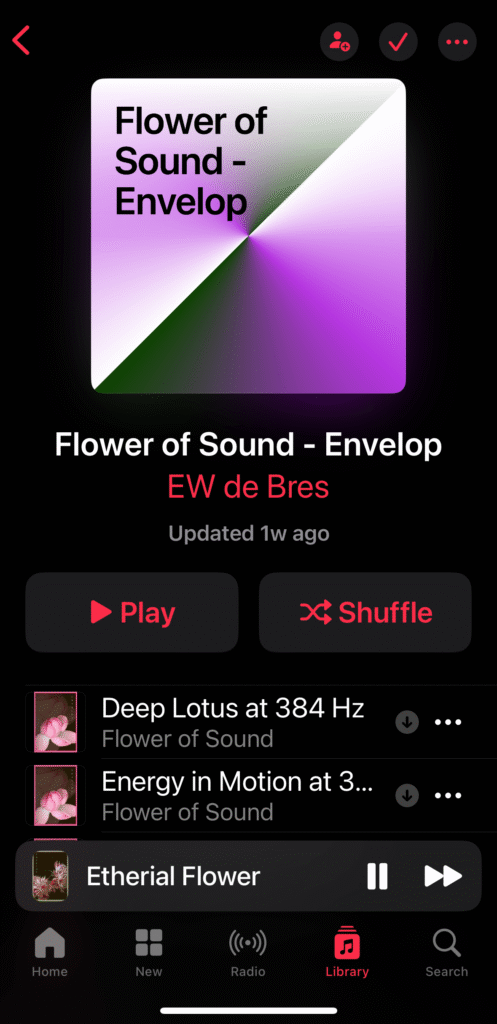
- Use Apple Music for your MP3 collection (import via Mac/PC, then sync)
- Use VLC (free) for FLAC files
- Your entire collection syncs automatically between devices
- No subscription needed—you own the files forever
For Android:
- Use Poweramp (paid, with trial), AIMP (free), or Musicolet (free)
- Supports both MP3 and FLAC in your personal library
- Build and organize playlists your way
- Sync your collection via Dropbox/Google Drive
- Everything you add is yours to keep
This gives you a smooth, accessible, streaming-app-like experience
Let us know what your experiences are in building your own library.
Quick Reference: App Download Links
iOS/Mac:
- VLC (Free): https://apps.apple.com/app/vlc-media-player/
Android:
- Poweramp (Paid with trial): https://play.google.com/store/apps/details?id=com.maxmpz.audioplayer
- AIMP (Free): https://play.google.com/store/apps/details?id=com.aimp.player
- Musicolet (Free): https://play.google.com/store/apps/details?id=in.krosbits.musicolet